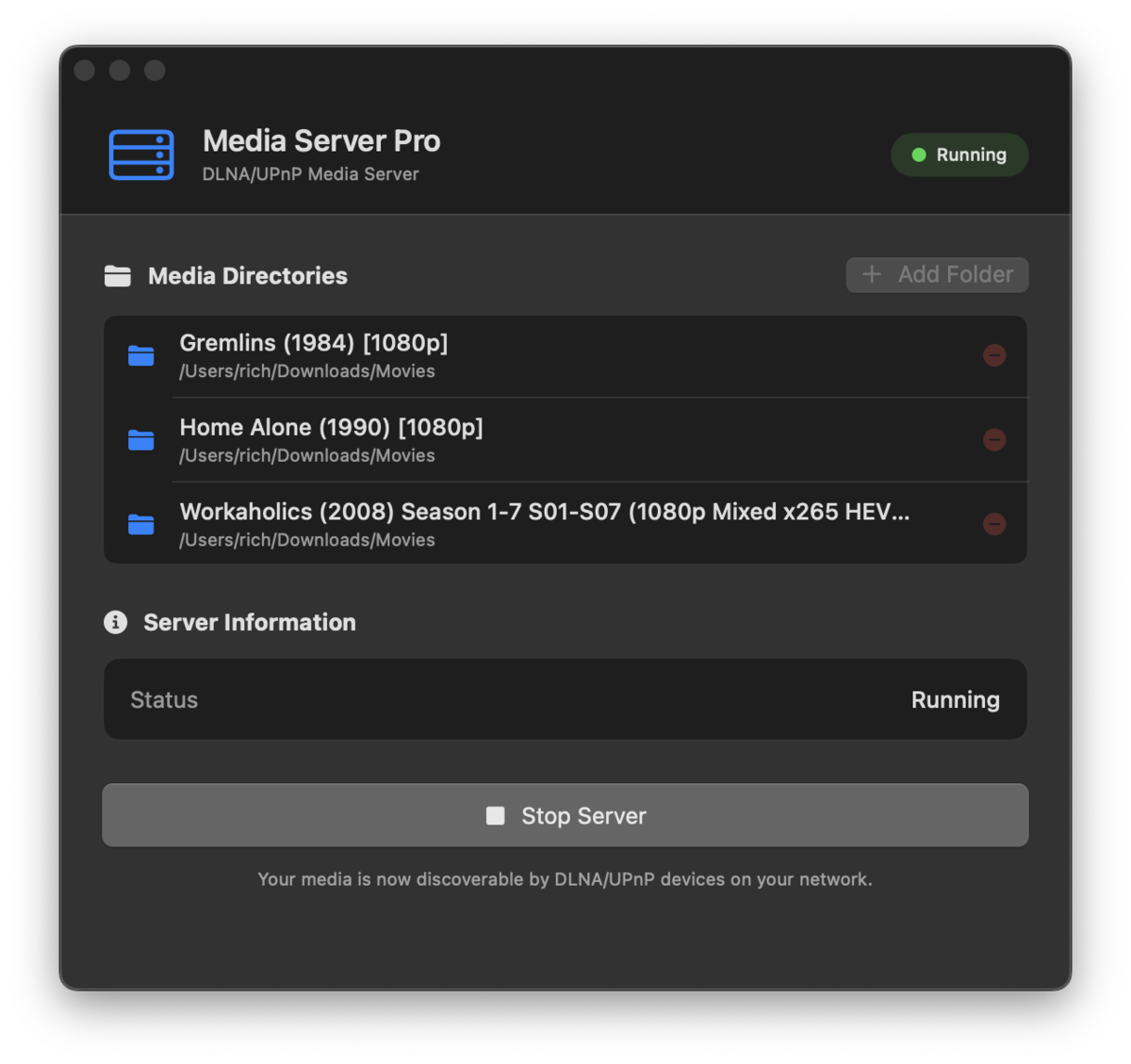
Media Server Pro
Stream from your Mac to your TV in seconds.
No setup wizards. No accounts. No subscriptions.
The Problem
You just want to watch a movie from your Mac on your TV. But Plex wants you to create an account, set up a server, and maybe pay for a subscription. Serviio and Universal Media Server need Java installed. Everything feels like overkill for something that should be simple.
Media Server Pro is different
Pick a folder. Hit play. Your movies, music, and photos show up on any DLNA device on your network. That is genuinely all there is to it.
It is a native Mac app built with SwiftUI. It runs quietly in your menu bar and uses minimal resources. No bloat, no background services hogging your CPU.
Why Media Server Pro instead of the alternatives?
- No account or login required (Plex and Serviio both require one)
- No subscription fees. Pay $4.99 once, done forever.
- No Java runtime needed (unlike Serviio and Universal Media Server)
- Native macOS app, lightweight, lives in your menu bar
- Everything stays on your local network. Nothing goes to the cloud.
- Start streaming in under 30 seconds
Works with
- Smart TVs (Samsung, LG, Sony, and more)
- Game consoles (Xbox, PlayStation)
- VLC Media Player on any platform
- 8Player Pro, Kodi, and any other DLNA/UPnP player
How it works
- Open Media Server Pro and select the folders you want to share.
- On your TV or console, open your media player. Most smart TVs let you pick "Media Server" as an input.
- Browse and stream. That's it.